
PAC-PELVIC manual
Bowel diary
Bowel movements with the Bristol scale, charts and a calendar for your appointment.
Before you start
Each module has a navigation bar at the bottom: Home, Records, Charts, Reports and Settings (in Kegel, Exercises). The ? icon at the top opens help and this manual.
In this guide
1Recording a bowel movement
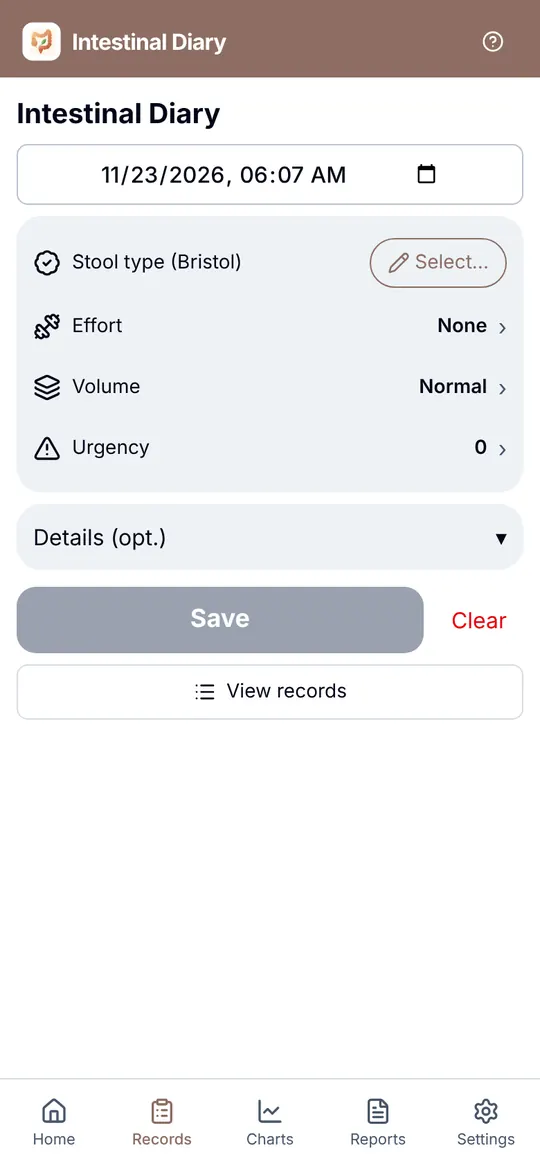
Tap Select… and choose the Bristol scale type (1 to 7) from the pictures. Enter effort, volume and urgency.
Under Details (opt.) you can add blood, mucus, odour, incomplete evacuation, floating, flatulence, pain, medication (antidiarrhoeal or laxative) and notes. Tap Save.
View records opens the list by day, where you can edit or delete each record.
2Charts
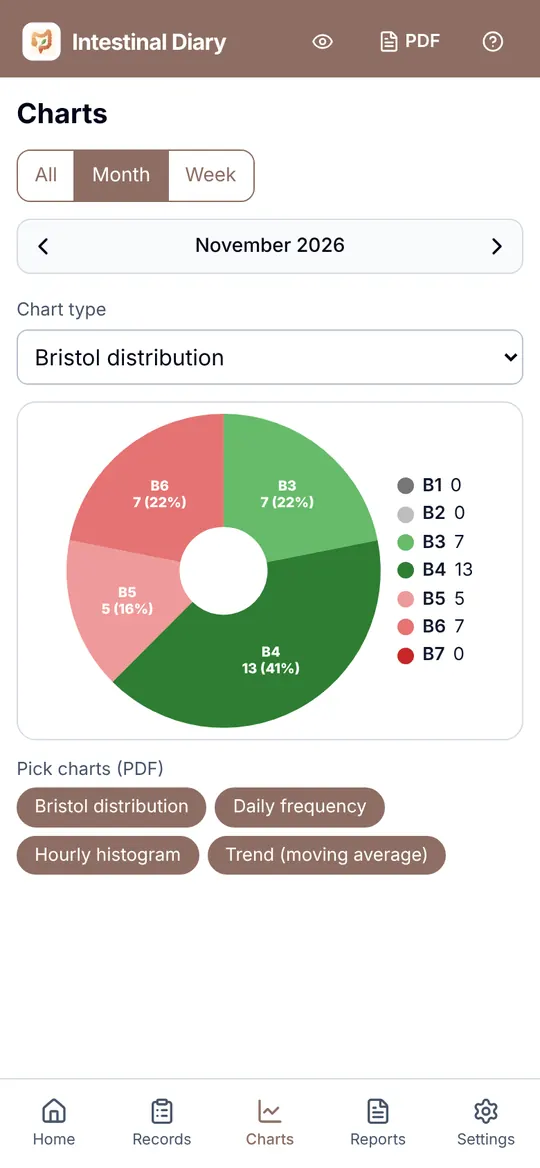
Choose All, Month or Week and the chart type: Bristol distribution, frequency per day, histogram by hour or trend (moving average).
To export them, first tick the ones you want under Pick charts (PDF), then tap the PDF icon.
3Reports
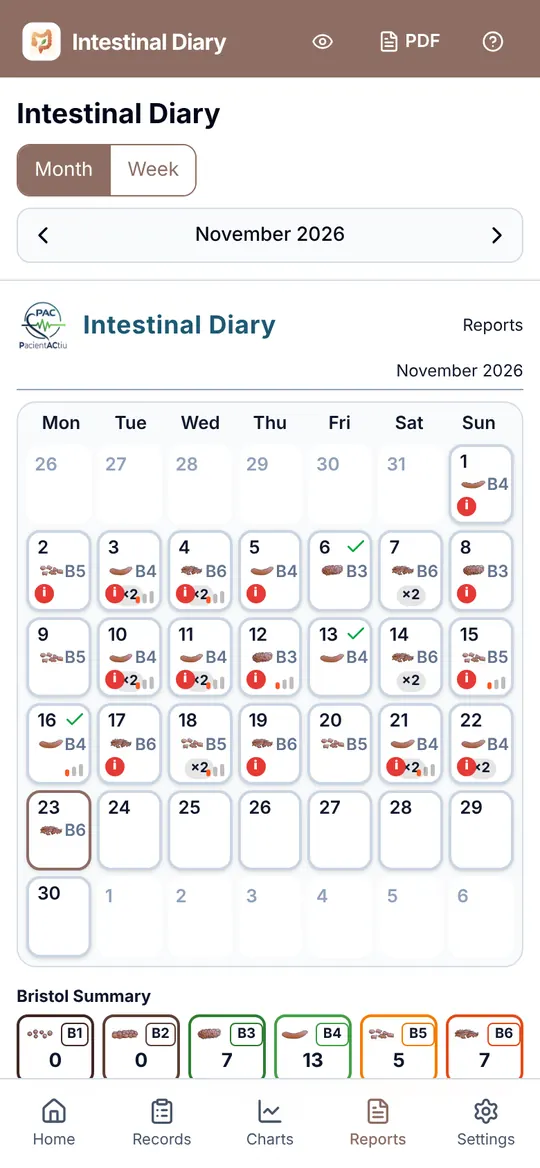
Month or Week calendar with the Bristol type of each bowel movement and any incidents. Below, the Bristol summary and the number of days with 0, 1, 2, 3 or 4+ movements in the period shown.
Tap a day to see its records.